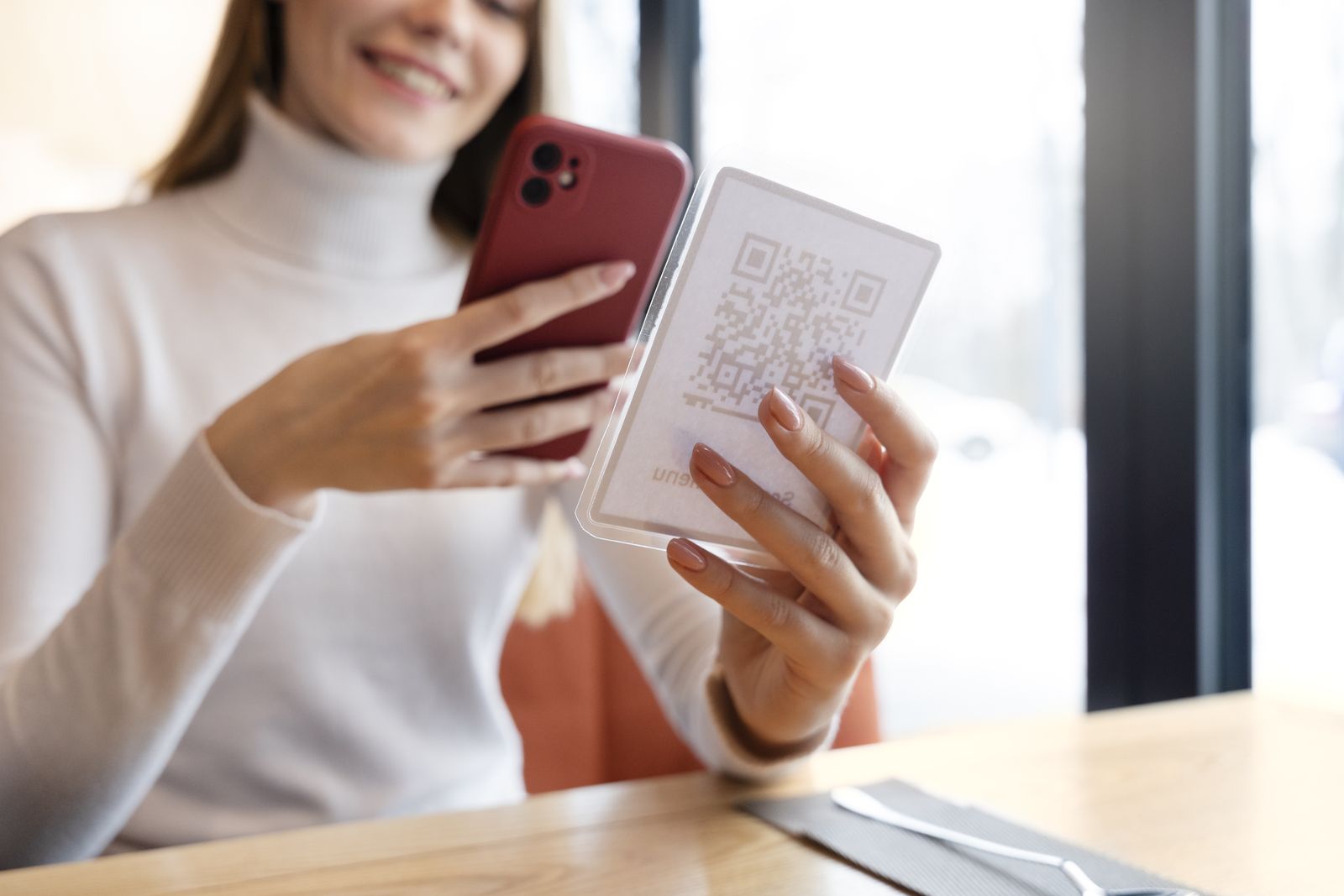
Asset Manager is a web-based asset register for offices that I designed and built while supervising an office relocation. It keeps track of IT equipment through physical QR labels: every laptop, monitor, dock, keyboard, desk and room has its own record and its own printed label, and scanning a label with a phone opens that record.
Nothing to install. Asset Manager is a web app. Movers, IT staff and users simply point their phone’s built-in camera at a QR label and tap the link that appears. There’s no app to download, no device to enrol and nothing to set up on anyone’s phone, which makes it practical even for removal crews on move day.
Labelling equipment
Asset Manager issues a short link and QR code for each item, prepares print files for Brother P-touch label printers, and checks that each printed label is on the right item. Colour-coded tapes make it obvious at a glance what travels with a person and what stays at a desk. A printed label never changes, for the whole life of the item.
Workspace kits
A laptop and everything that goes with it (charger, dock, monitors, keyboard, mouse) form one workspace kit. You can act on the whole kit at once or on a single item, and plan each kit’s current and future desk on a floor plan.
Running office moves
A move follows seven clear steps: label, activate, approve, collect, place at the new desk, reconnect, and confirm. Movers, IT staff and users each record their part simply by scanning labels with their phone camera, so you can see exactly where every item is on move day.
After the move
The same records carry on into day-to-day use as your asset register: in inventory, in service, under maintenance or retired. Every change is kept in the item’s history.
Secure by default
Everything is behind password protection by default. People sign in with their own accounts and roles (administrator, IT, office manager, mover, user), and every action is recorded against the person who made it.
For move day, you can choose to open specific move steps without sign-in, so third parties like a removal crew can record collection and delivery just by scanning labels, without being given accounts. Everything else stays protected, and access can be closed again at any time. An API is available for integration with other systems.
How you can get it
- As part of an office relocation: included when I supervise your move.
- Hosted for you: I run a branded instance for your organisation on my infrastructure, including a proof-of-concept period to try it with your own equipment.
- Licensed, self-hosted: run it on your own infrastructure, with releases, documentation and support from me.
Each deployment is branded with your organisation’s name, logo and naming conventions. Get in touch to arrange a demonstration.