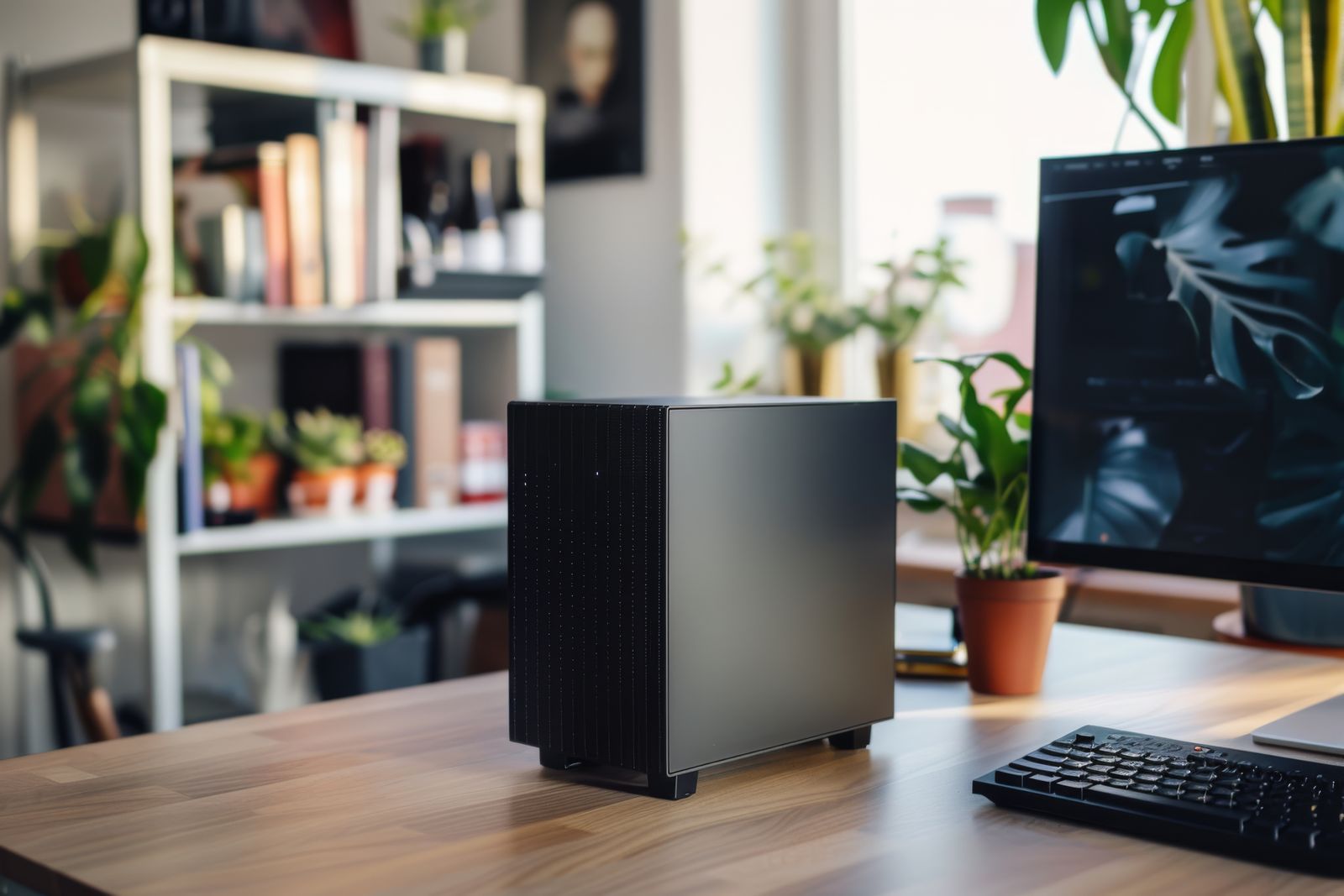
An AI harness turns a powerful AI model into your own personal assistant that’s always on: it runs on a small computer in your home, remembers context, can carry out tasks for you, and you talk to it simply by sending a message on Telegram. The two I use and set up most are OpenClaw and Hermes.
Getting one running well involves choosing the right hardware, installing and configuring the software, connecting messaging and AI accounts, and setting sensible limits. I’ll guide you through all of it, so you end up with an assistant that’s useful, reliable and safe.
Start with a discovery call. We’ll talk about what you’d like your assistant to do and whether OpenClaw or Hermes is the better fit. Every setup is a fixed price, agreed up front.
How it works
- Advise: I’ll recommend the right Mac mini and where to buy it. You buy it directly, so it’s yours.
- Set up: I’ll install and configure OpenClaw or Hermes, connect it to Telegram so you can message it from your phone, and help you sign up for an OpenAI or Anthropic account to power it.
- Tailor: together we’ll set it up for the things you want it to do, and I’ll show you how to get the most from it.
Safe by design
A personal AI assistant can act on your behalf, so it’s important to set it up carefully. I’ll keep it on its own dedicated machine and accounts, set spending limits on your AI account so there are no surprise bills, and agree clear boundaries for what it can and can’t access. Your AI usage is billed to you directly by OpenAI or Anthropic.
New to AI? Start with everyday AI.